Platform

One platform. Every step to certificate.

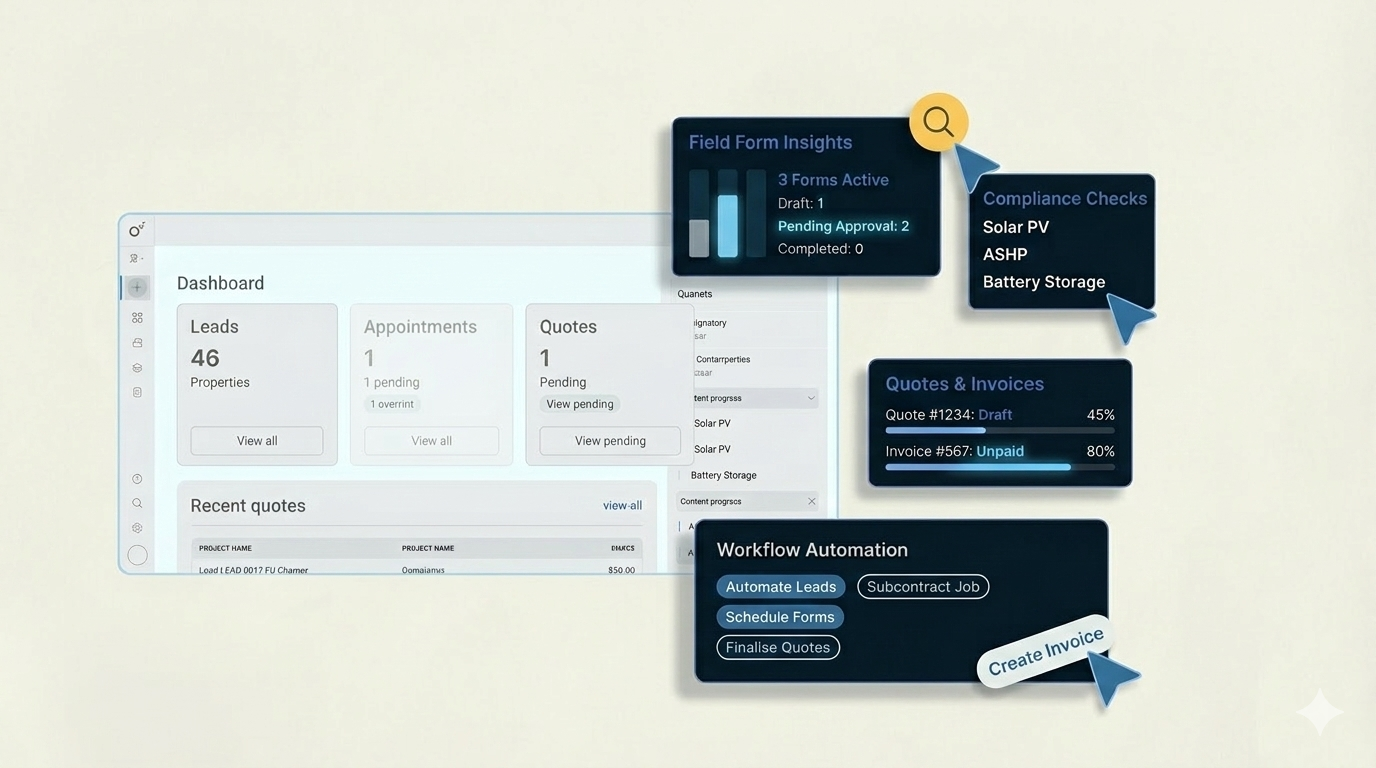
Projects, documents, field app, leads, quotes, and reporting — one spine for MCS compliance so your team isn’t juggling five tools.

Speed up every project

Real-time compliance tracking, automated checklists, and certificate generation so each project gets to 100% faster.

Everything in one place

Projects, documents, forms, leads, tools, and reports—all under one roof. No more switching between spreadsheets and folders.

Built for MCS compliance

Purpose-built for UK MCS installers. Stay compliant with less admin and a clear path from start to certificate.

Where teams spend time — and where we help

A quick tour of the capabilities installers and coordinators use every day.

Compliance & certificates

Live percentage, checklists, and one-click certificate generation when the job is complete.

Jump to full detail
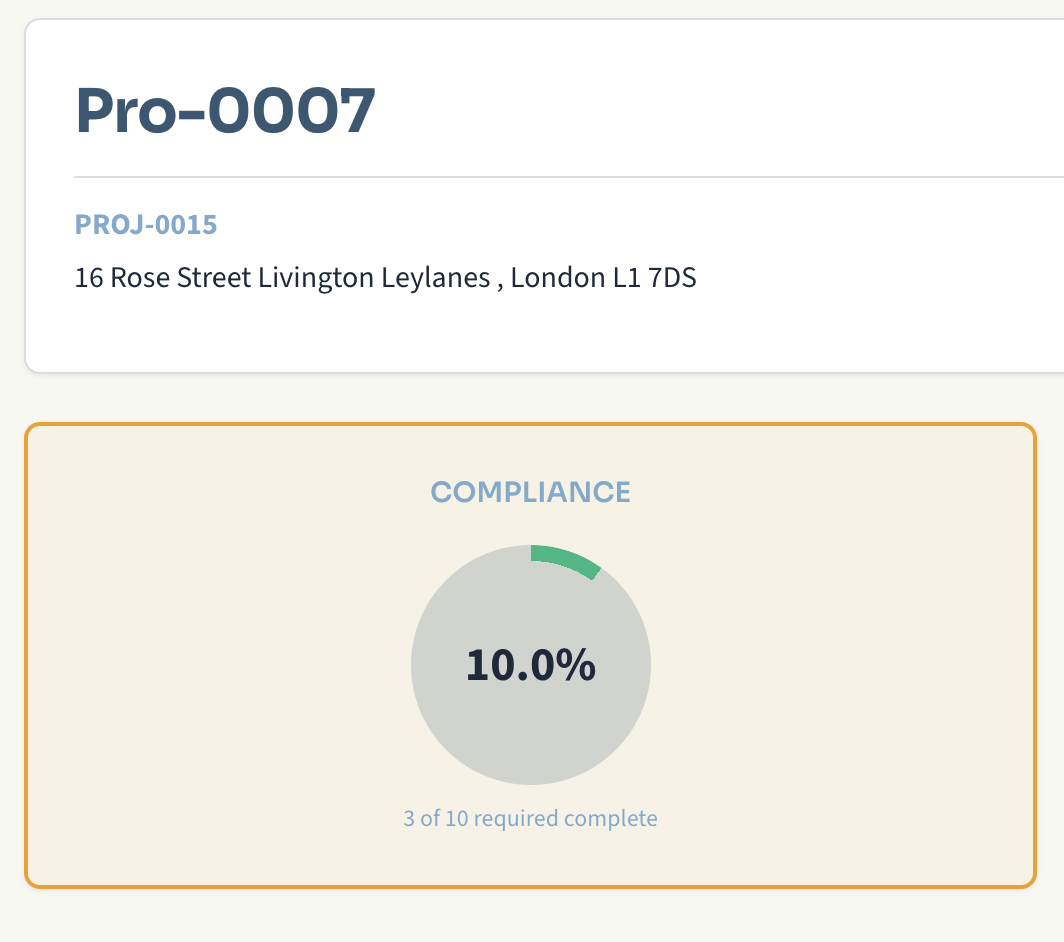
Compliance tracking in Flex Energi

Documents that stay organised

Upload, categorise, and version MCS paperwork so nothing lives only in someone’s inbox.

Jump to full detail
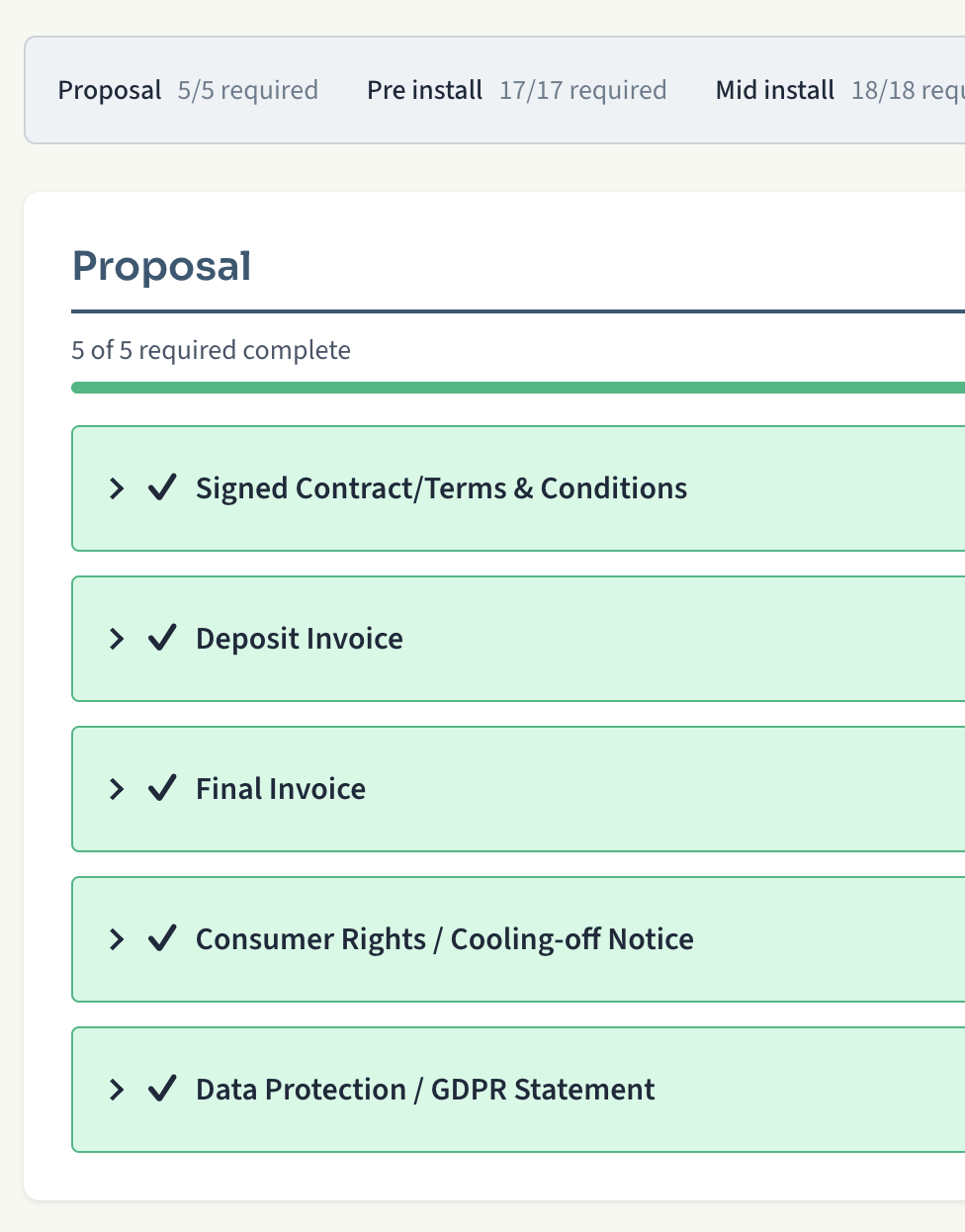
Document management in Flex Energi

Field & mobile

PWA for site work — leads, forms, photos — with sync when you’re back online.

Mobile section
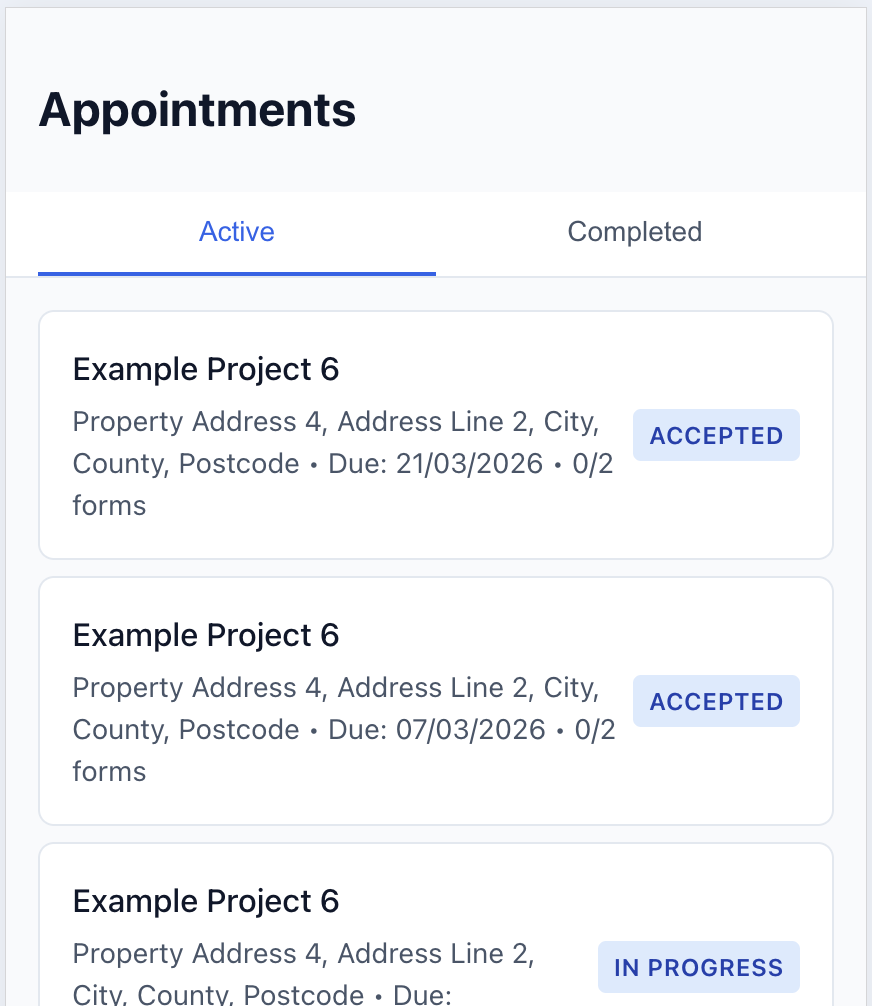
Flex Energi mobile app

Leads, quotes & revenue

Pipeline through to invoicing without exporting to another system.

See sales features
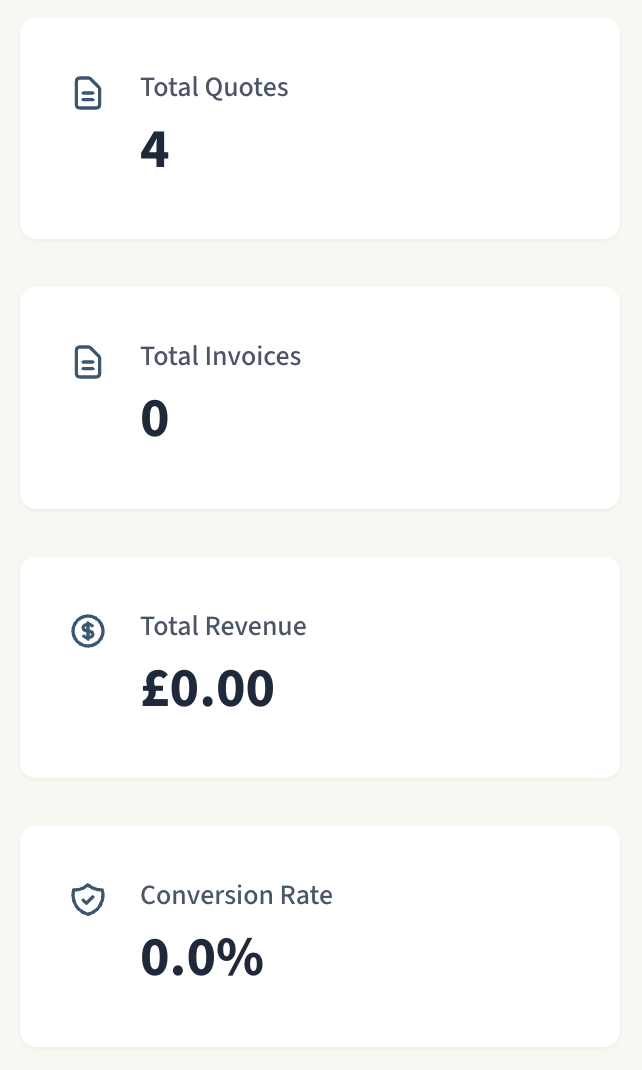
Leads and quotes in Flex Energi

How Flex Energi Supports You

From first document to MCS certificate—each feature is designed to keep your projects compliant and moving forward, all on one platform.

1
Set up project
One place per job
2
Upload & organise
Docs in one place
3
Track compliance
Real-time % & checklist
4
Certificate
Generate when ready

Compliance Management

Stay on top of MCS compliance with real-time tracking and automated checklists—so you always know where each project stands and what’s left to do.

  • Real-time Compliance Tracking

    See your project compliance percentage update instantly as documents are uploaded.

  • Automated Checklist

    Never miss a required document with automated compliance checklists.

  • MCS Certificate Generation

    Generate MCS certificates automatically when projects reach 100% compliance.

  • Compliance Percentage Calculation

    Accurate, real-time calculation of project compliance status.

Document Management

All your MCS documents in one centralised place—upload, organise, and track versions so nothing gets lost and every project stays audit-ready.

  • Upload and Organise

    Easy document upload with automatic categorisation by MCS document type.

  • Document Categorisation

    Documents automatically organised into MCS compliance categories.

  • Version Control

    Track document versions and maintain a complete audit trail.

  • Bulk Upload

    Upload multiple documents at once to save time.

Project Management

Run multiple projects—Solar PV, ASHP, Battery Storage—from one dashboard. Track status from draft to compliant and export full project packs when you need them.

  • Create and Manage Projects

    Set up projects for Solar PV, ASHP, and Battery Storage installations.

  • Multiple Measure Types

    Support for Solar PV, Air Source Heat Pumps, and Battery Storage.

  • Project Status Tracking

    Track project status from draft to compliant with visual indicators.

  • Project Export (ZIP)

    Export complete project packs as ZIP files for archiving or sharing.

Subcontractors

Keep subcontractor work inside the same platform—assign tasks, track completion, and use their details in forms. Everything stays visible and compliant. Available on Business and Enterprise plans.

  • Link subcontractor accounts via secure token

    Invite subcontractors with a secure link or create limited accounts that see only assigned work.

  • Assign tasks (document types, appointments)

    Assign specific document types or appointments to subcontractors from the project view or Subcontractors area.

  • Track task status and completion

    Monitor progress and completion; subcontractors see only their assigned tasks.

  • Use subcontractor company info in forms

    Completed tasks can use subcontractor company details in form submissions.

  • Revoke tasks without disabling the link

    Revoke individual tasks when needed; the subcontractor link stays active for other work.

  • Full audit trail for links and tasks

    Complete audit trail for compliance and accountability.

More Tools on the Same Platform

Leads, calculations, inventory, reporting, mobile access, and more—all integrated so your team works from one system.

Lead & Sales Management

Multiple views (Table, Kanban, List, Calendar), saved and preset views (My Leads, Hot Leads, Won, Lost, PPA), lead notes with @mentions, convert to quote, link to material packs.

Reporting & Analytics

Comprehensive reports on compliance, ROI analysis, sales performance, and project status.

MCS Calculation Tools

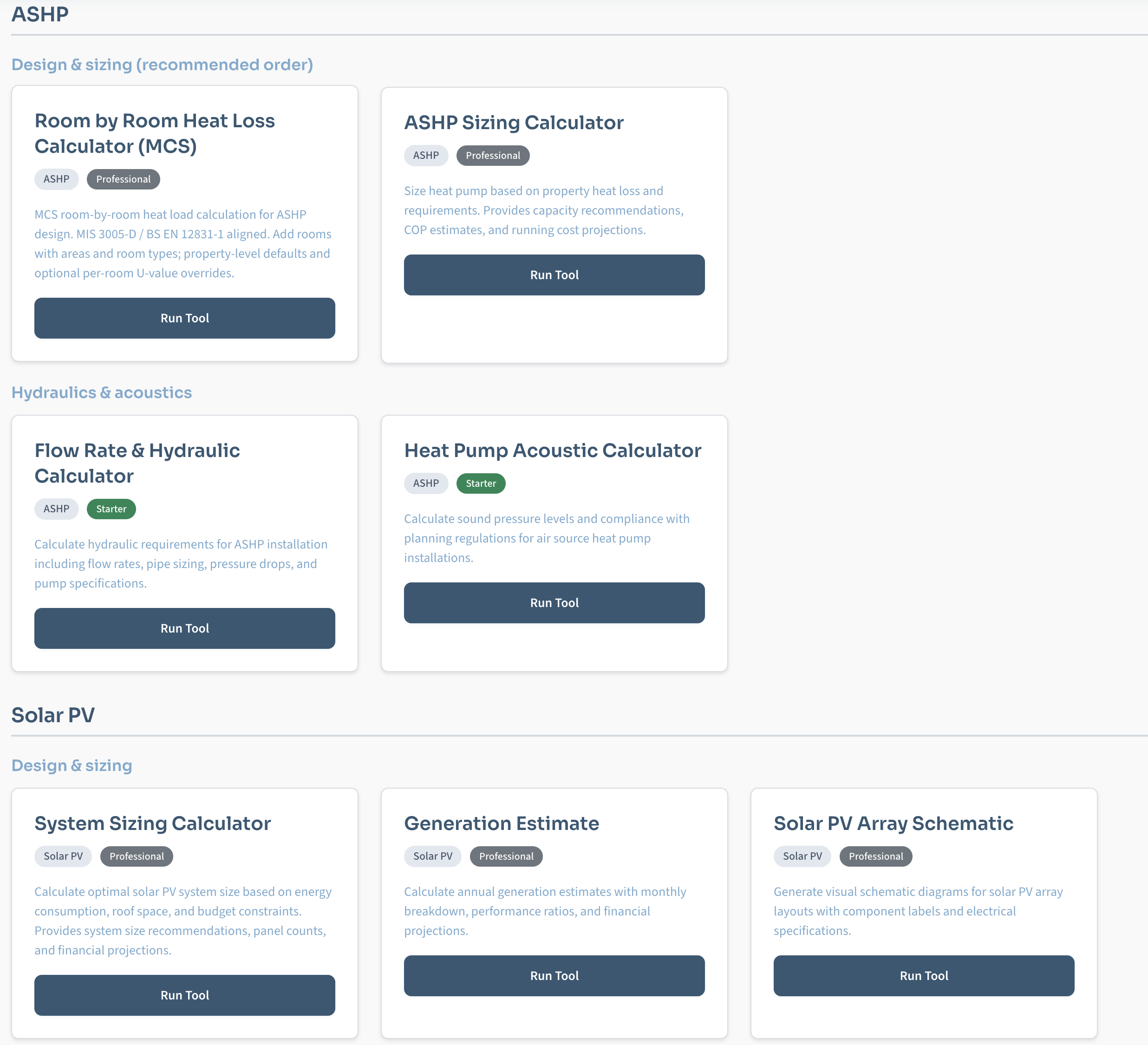
Heat Loss, Room-by-Room Heat Loss, Flow Rate & Hydraulic, ASHP Acoustic, ASHP Sizing, System Sizing (Solar PV), Generation Estimate, Battery Sizing, Load Profile, Backup Power, Battery Integration, Solar PV Schematic, Shading Analysis, and Methodology.

Material Inventory

Track materials, manage stock levels, and monitor batch usage across projects.

Energy Monitoring

Monitor energy usage and system performance in real-time for installed systems.

Mobile PWA

Progressive Web App for field workers. Offline leads, forms, 2FA, Add to Home Screen, Share target (share URL/text to create lead), Shortcuts (Create Lead, Forms).

Document Requests

Request documents from external users via secure token-based links without requiring them to log in. Track upload status, set due dates, and streamline compliance collection.

Signature Requests

Send signature requests by email for form fields. Recipients sign via secure link without logging in; signatures are captured and stored with the submission.

CRM: Property, Customers and Projects

Centralise properties, customers and projects in one place. Manage contacts, track relationships and keep project data linked to properties and customers.

Automations

Trigger automations when something happens—stage completed, form submitted, document uploaded and more. Available from the Business plan.

Bespoke Forms

Create bespoke forms tailored to your workflows with conditional logic and custom fields. Enterprise plan only.

Bulk Property Upload

Import multiple properties at once using CSV or Excel files, saving hours of manual data entry. Template-based import with validation and duplicate detection.

Appointments

Appointment calendar, create and manage appointments, assign to installers/subcontractors, accept/decline flow for PWA.

Customer Portal

Give customers their own dashboard: quotes (view, accept, reject), invoices, documents. Toggle portal access per customer.

Activity & Audit Trail

Complete activity log and audit trail for compliance and accountability across projects, documents, and user actions.

Quotes & Token Links

Send quotes to customers via email with secure token-based links. Public quote view—accept or reject without login required.

Integration Capabilities

Plug Flex Energi into your existing tools—or export everything you need—so one platform can still fit your workflow.

API Access

Available on Advanced, Pro, and Enterprise plans. Integrate Flex Energi with your existing systems.

Custom Integrations

Enterprise plan includes custom integrations tailored to your specific needs.

Export Capabilities

Export data in CSV, Excel, and PDF formats. Export complete project packs as ZIP files.

Security & Compliance

Your data security and privacy are our top priorities

Data Security

Enterprise-grade security with encrypted data storage and secure file handling. Regular security audits and updates.

GDPR Compliance

Fully GDPR compliant with data protection measures, user consent management, and right to deletion.

Secure File Storage

All documents stored securely with access controls and audit logging for compliance tracking.

Role-Based Access

Granular permissions system with roles for Administrators, Installer, Subcontractor, Customer, and Auditor. Control who can access what.

Mobile App for Field Workers

Take Flex Energi with you wherever you go. Our Progressive Web App (PWA) works on iOS and Android devices, allowing you to collect data, create leads, complete forms, and manage appointments even when offline.

Create Leads on the Go

Capture lead information instantly while on-site, even without internet connection. All lead data is stored locally and automatically syncs when you're back online.

  • Capture customer details and property information
  • Add photos and notes directly from your device
  • Works completely offline - syncs automatically later

Complete Forms in the Field

Fill out compliance forms directly on your mobile device with photo uploads, signature capture, and full offline support. Save drafts and submit when ready.

  • Access all form templates from your mobile device
  • Upload photos directly from your device camera
  • Save drafts and complete forms offline

Manage Appointments

View and manage your appointments, complete associated forms, and track progress in real-time. Never miss an appointment with push notifications.

  • View all your appointments in one place
  • Complete forms directly from appointment view
  • Receive push notifications for upcoming appointments

Offline Data Collection & Sync

Collect data anywhere, anytime - even without internet. All data is stored locally and automatically syncs when connection is restored. No data loss, no manual uploads.

  • Works completely offline - no internet required
  • Automatic background sync when online
  • Manual sync option available anytime

Available on iOS and Android

Install the Flex Energi mobile app on your iPhone, iPad, or Android device. No app store required - simply add to your home screen for a native app experience.

iOS (iPhone & iPad)
Android

One Platform. Faster Compliance. See It in Action.

Book a personalised demo and see how Flex Energi keeps every project compliant and under one roof.

Book a Demo